In brief
Choose stills for a clear, composed view; animation when movement explains connections; and an interactive experience when viewers need to inspect viewpoints or compare choices themselves. The right format depends on the audience, the story and the devices used to view it.
Choose a job for the visualisation
Stills, animation and interactive experiences answer different questions. A still can communicate one carefully composed idea. A film can guide someone through a sequence. An interactive tour gives the viewer control over what to explore. Begin with the information your audience needs, then choose the format that makes it easiest to understand.
Consider the viewing context too. Someone scrolling through a property listing may only pause briefly, while a visitor at a showroom may be ready to explore. A strong proposal can combine formats, but each output should earn its place rather than repeat the same information.
Use stills to establish a clear impression
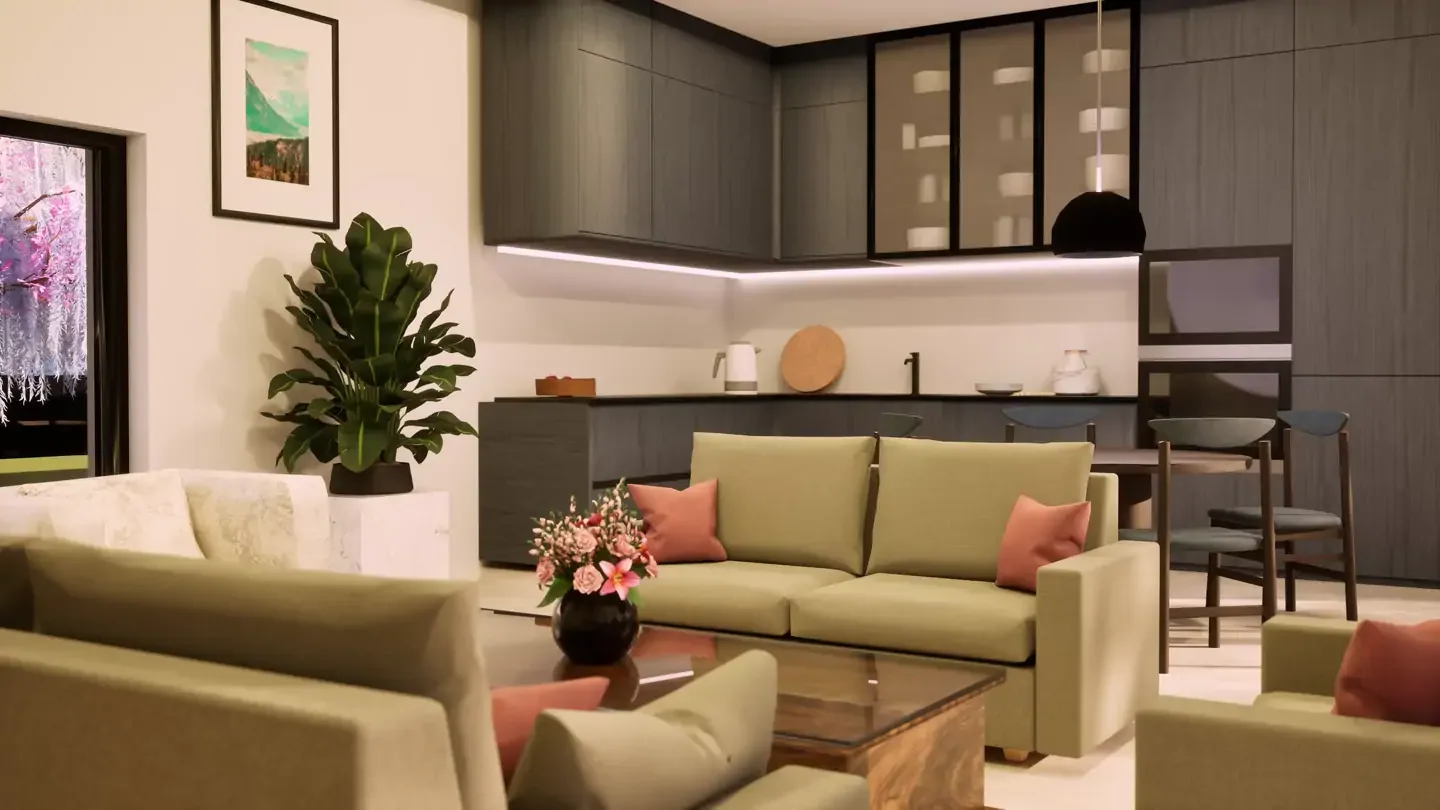
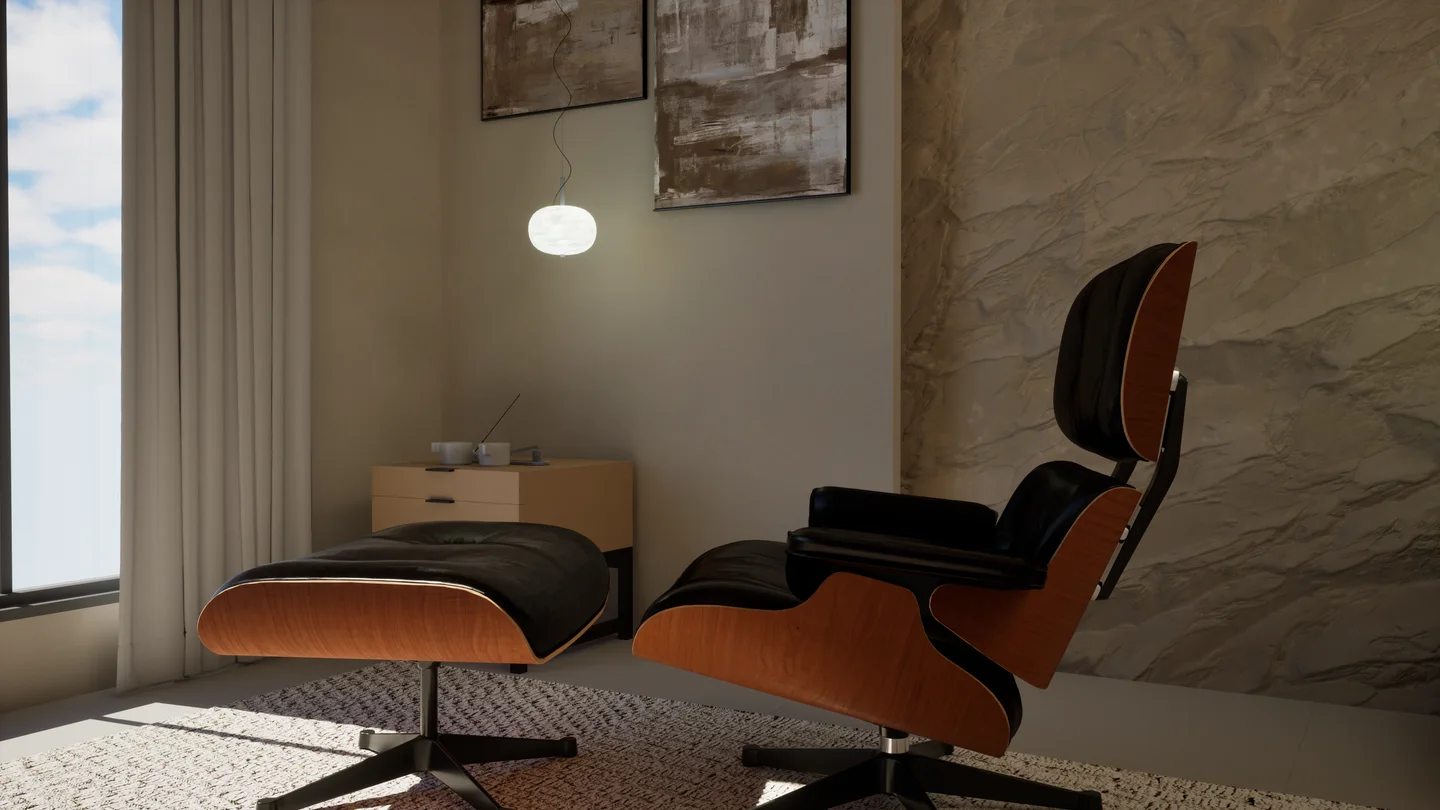
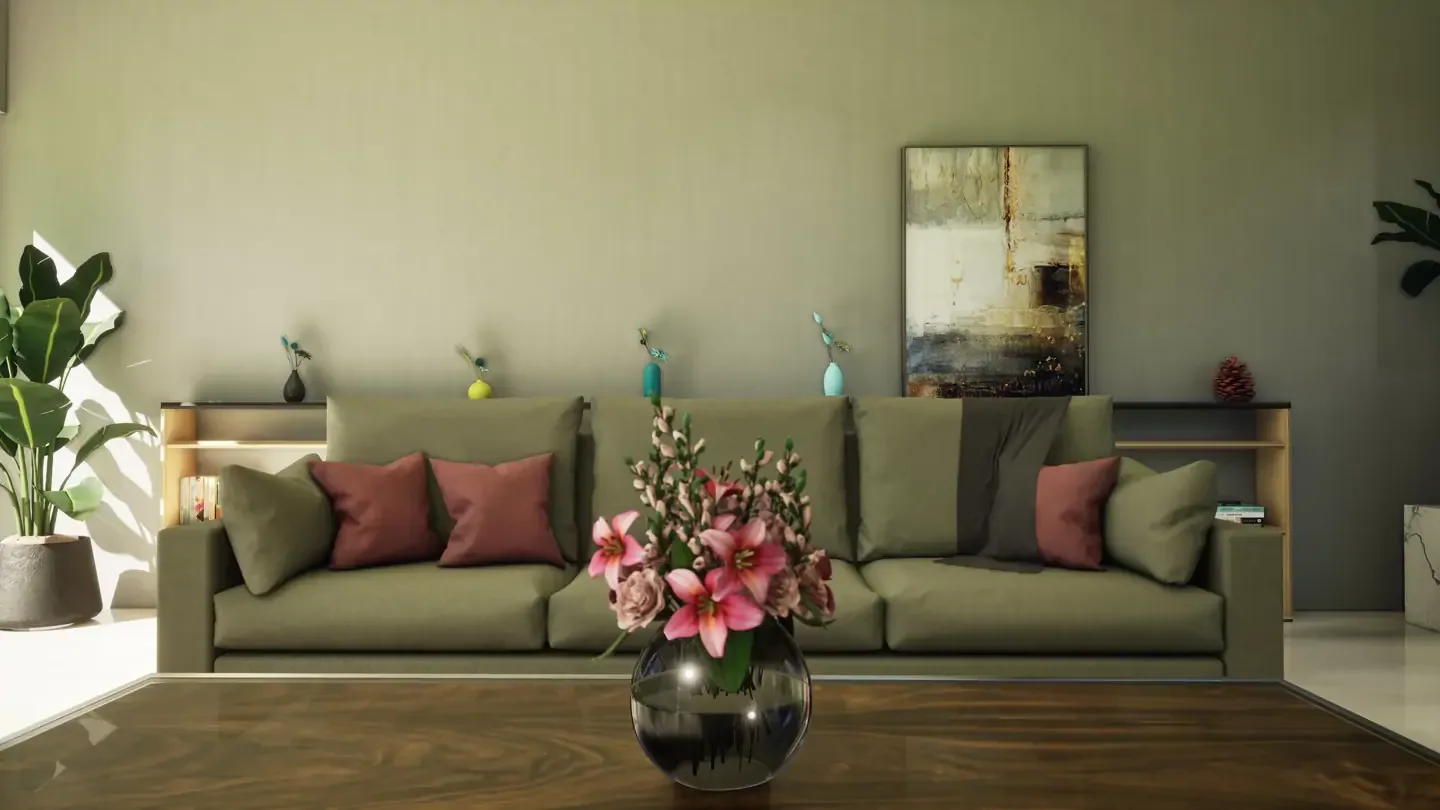
Still imagery suits brochures, product listings, presentations and website sections where a single view needs to work immediately. Composition and lighting can direct attention to a room's proportions, a material finish or a product silhouette. A small, deliberate set of views is often more useful than many similar angles.
Plan the crops alongside the full image. A wide interior view may need a second composition for a portrait social post. Leaving room for text and checking small-screen legibility at the briefing stage helps avoid awkward crops later.
Use film to reveal connections
Animation is useful when movement adds understanding: approaching an entrance, moving from a living space to a terrace or revealing a product from several angles. A simple storyboard gives each shot a purpose. Think about the opening image, the change each shot reveals and the final impression.
Keep the pace suited to the subject. A considered interior walkthrough needs enough time to read the space. Agree the duration, aspect ratios and whether the story must work without sound. Any essential information should remain available as readable text alongside the film.
Use interaction when choice matters
An interactive experience helps people inspect viewpoints or compare options at their own pace. Specify the actual choices: moving between rooms, selecting finishes or rotating an object. A 360-degree panorama and a freely navigable scene offer different kinds of control, so describe the expected behaviour clearly.
Check the experience on the devices your audience will use. Loading time, touch controls and a clear route back all shape how useful it feels. Provide a still-image alternative and readable information so the core story remains available when someone cannot, or prefers not to, use the interactive view.
Have an idea of your own? Talk to the studio